

- Al Barsha Business Centre - Office No 09, 5th FLOOR, Dubai - United Arab Emirates
- Sat-Thu 9:00-19:00 Sunday - Closed
- info@integrate.ae | Integrate9090@gmail.com
Best WiFi for PlayStation, Xbox & Gaming PCs in Dubai
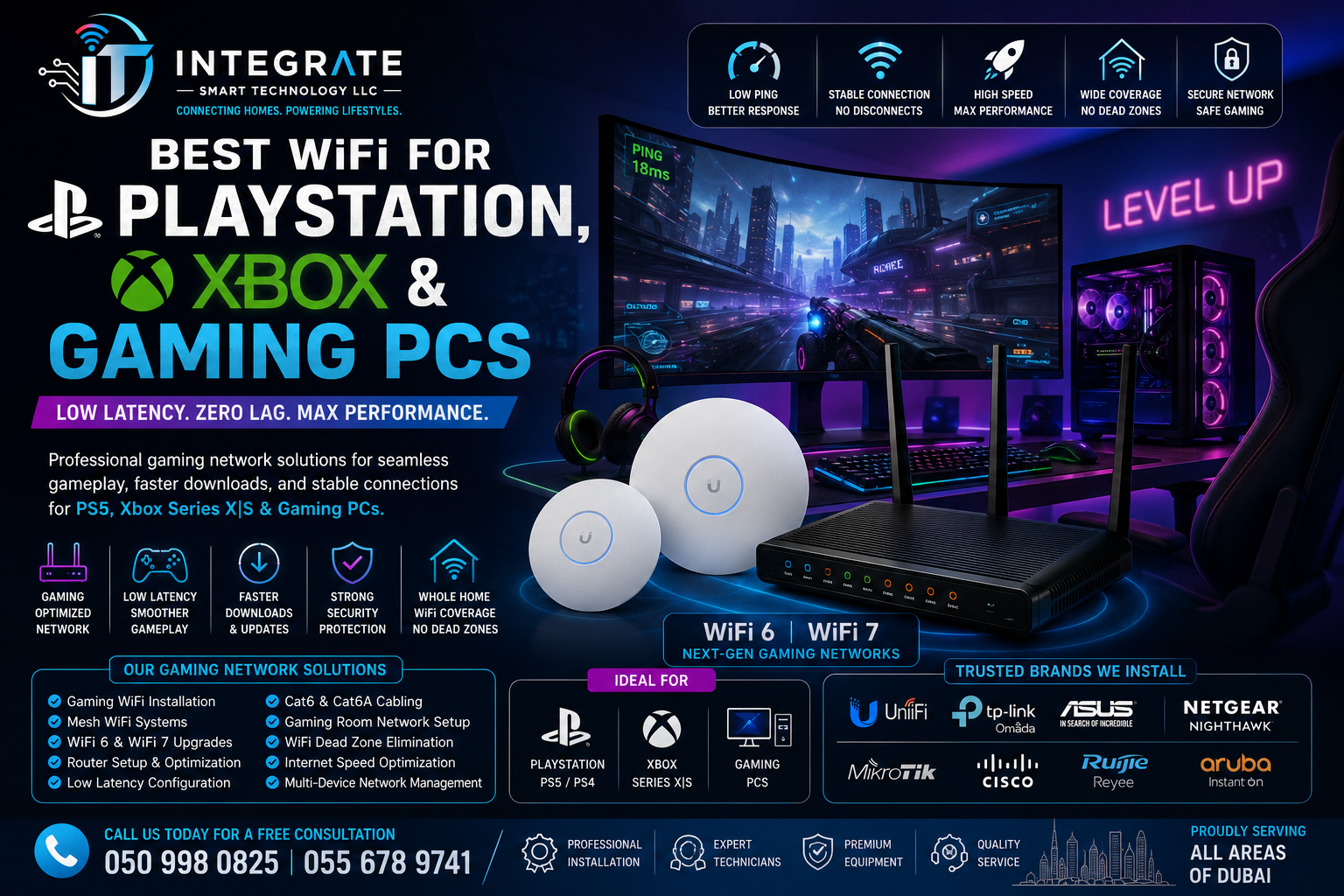
Best WiFi for PlayStation, Xbox & Gaming PCs | Build a Gaming Network That Keeps You Ahead
There’s nothing more frustrating than being in the middle of a competitive match only to experience lag, high ping, or a sudden disconnect. Whether you’re battling opponents in a fast-paced shooter, racing online with friends, or exploring large open-world games, a poor WiFi connection can ruin the experience—even if you’re paying for high-speed internet.
Many gamers assume their internet provider is the problem, but in reality, the issue often lies inside the home. Weak wireless coverage, outdated routers, network congestion, and poor device placement are some of the most common reasons for inconsistent gaming performance.
At Integrate Smart Technology, we help homeowners across Dubai create reliable home networks designed for gaming. From PlayStation and Xbox consoles to high-performance gaming PCs, we install networking solutions that provide stable connections, lower latency, and consistent coverage throughout your home.
Why Your Internet Speed Isn’t the Whole Story
A common misconception is that faster internet automatically means better gaming. While download speed is important for installing updates and downloading games, online gaming depends much more on the quality and stability of your home network.
Several factors influence gaming performance, including:
- WiFi signal strength
- Network latency (ping)
- Packet loss
- Router quality
- Device placement
- Wireless interference
- Number of connected devices
- Overall network design
You could have a 1 Gbps internet connection, but if your console is connected through a weak WiFi signal on the opposite side of the house, you’ll still experience lag and disconnections.
A professionally designed home network focuses on creating a strong, stable connection rather than simply increasing internet speed.
Common Gaming WiFi Problems
If you play online regularly, you may have experienced one or more of these issues:
High Ping
A delay between your actions and the game’s response can make competitive gaming frustrating.
Random Disconnects
Slow Game Downloads
Poor network performance can make downloading large game updates take much longer than expected.
Voice Chat Problems
Buffering During Game Streaming
The Best WiFi Setup for Gamers
For most homes in Dubai, a professionally planned network includes:
- High-performance WiFi 6 or WiFi 7 routers
- Mesh WiFi systems for larger homes
- Enterprise-grade wireless access points
- Optimised router placement
- Wired Ethernet connections where practical
- Network configuration for stable performance
Mesh WiFi for Large Villas
Large villas often have thick walls, multiple floors, and outdoor areas that weaken WiFi signals. If your gaming room is far from your router, you’re likely losing performance before your game even starts.
A professionally installed Mesh WiFi system creates a single wireless network using multiple access points placed throughout the property.
Instead of relying on one router to reach every room, your devices automatically connect to the strongest signal as you move around your home.
Benefits of Mesh WiFi for Gaming
- More consistent signal strength
- Better wireless coverage
- Lower latency across the home
- Reduced dead zones
- Stable gaming in every room
- Better support for multiple gamers
- Reliable streaming and downloads
For households where several people are gaming, streaming, or working at the same time, Mesh WiFi helps distribute traffic more efficiently.
WiFi 6 & WiFi 7 for Modern Gaming
Modern gaming consoles and PCs benefit from the latest wireless standards.
WiFi 6 and WiFi 7 offer several advantages over older equipment:
- Faster wireless performance
- Lower latency
- Better handling of multiple devices
- Improved efficiency
- Reduced interference
- More stable online gameplay
- Better support for cloud gaming services
Gaming PCs, PlayStation & Xbox – Does Your Gaming Setup Need Different WiFi?
PlayStation Gaming
PlayStation gamers regularly download large game files, system updates, and high-resolution content. Many popular online games also require low latency for smooth multiplayer performance.
A professionally optimised WiFi network helps by providing:
- Faster game downloads
- Stable PlayStation Network connectivity
- Reliable online multiplayer
- Smooth voice chat
- Better Remote Play performance
- Improved streaming to Twitch or YouTube
Xbox Gaming
Xbox players often use cloud gaming, Xbox Game Pass, multiplayer services, and digital downloads.
A reliable home network helps improve:
- Xbox Live connectivity
- Cloud gaming responsiveness
- Download speeds
- Multiplayer stability
- Voice communication
- Streaming performance
With a properly configured WiFi network, Xbox gamers experience fewer interruptions and a more consistent connection.
Gaming PCs
Gaming PCs often demand the highest network performance. Competitive gamers require low latency, minimal packet loss, and consistent bandwidth.
A professionally designed network supports:
- Competitive online gaming
- Game streaming
- Discord communication
- High-speed downloads
- Cloud backups
- VR gaming
- Multi-monitor streaming setups
For dedicated gaming rooms, wired Ethernet may provide the most consistent performance, while enterprise-grade wireless solutions deliver excellent results when cabling isn’t practical.
Wired Ethernet vs WiFi – Which Is Better for Gaming?
One of the most common questions gamers ask is whether they should use WiFi or an Ethernet cable.
The answer depends on your home’s layout and your gaming setup.
Ethernet Advantages
A wired Ethernet connection offers:
- Extremely stable connectivity
- Very low latency
- Minimal interference
- Consistent download speeds
- Reliable performance for competitive gaming
If your gaming room is already wired with Cat6 or Cat6A cabling, Ethernet remains an excellent option.
Modern WiFi Performance
Today’s WiFi 6 and WiFi 7 technology has significantly improved wireless gaming.
When professionally installed using Mesh WiFi systems or enterprise access points, modern WiFi can deliver:
- Excellent speed
- Low latency
- Strong signal strength
- Reliable multiplayer performance
- Stable cloud gaming
- Seamless roaming throughout larger homes
For many households, a professionally designed WiFi network provides an outstanding gaming experience without the need for visible cables.
Why Router Placement Matters
Many people place their router wherever the internet provider installs it, often inside a cupboard, behind a television, or in a corner of the house.
Unfortunately, this can reduce wireless performance.
Poor router placement can lead to:
- Weak signals
- Higher latency
- Dead zones
- Slower downloads
- Connection drops
Our team evaluates your home’s layout and positions networking equipment where it can provide the best possible coverage.
Gaming in Large Villas
Luxury villas in Dubai often have multiple floors, thick concrete walls, and outdoor spaces. While beautiful, these features can block WiFi signals and create inconsistent coverage.
Professional networking solutions such as Mesh WiFi systems and enterprise wireless access points help deliver strong, reliable connectivity throughout:
- Gaming rooms
- Bedrooms
- Living rooms
- Home cinemas
- Home offices
- Outdoor lounges
- Gardens
- Guest rooms
This allows everyone in the household to enjoy streaming, gaming, video calls, and smart home technology simultaneously without compromising performance.
Network Optimisation for Busy Households
Modern families often have many devices connected at the same time.
These may include:
- Smart TVs
- Tablets
- Smartphones
- CCTV cameras
- Video doorbells
- Smart speakers
- Home automation systems
- Streaming devices
- Gaming consoles
- Laptops
A professionally designed network balances traffic efficiently, helping reduce congestion and maintaining reliable performance even during peak usage.
Premium Networking Brands We Install
To deliver dependable gaming performance, Integrate Smart Technology installs trusted networking equipment from leading manufacturers.
Our recommended brands include:
- Ubiquiti UniFi
- TP-Link Omada
- ASUS
- Netgear
- Cisco
- Aruba Instant On
- MikroTik
- Ruijie Reyee
- Linksys
- Huawei
We recommend the most suitable equipment based on your home’s size, internet usage, and gaming requirements.
Why Choose Integrate Smart Technology?
Our gaming-focused networking services include:
- Gaming WiFi installation
- Home network installation
- Mesh WiFi systems
- WiFi 6 & WiFi 7 upgrades
- Enterprise wireless access points
- Router installation and optimisation
- Structured Cat6 & Cat6A cabling
- Home office networking
- Smart home networking
- Outdoor WiFi installation
- Internet performance optimisation
- Network troubleshooting
Whether you have a dedicated gaming room or simply want a stronger WiFi connection throughout your home, we can design a network that supports your lifestyle.
Frequently Asked Questions
Can Mesh WiFi reduce gaming lag?
Mesh WiFi improves wireless coverage and signal strength, which can reduce connection issues caused by weak WiFi. While internet latency also depends on your ISP and game servers, better home WiFi often results in a more stable gaming experience.
Should I choose Ethernet or WiFi?
If Ethernet is practical, it’s an excellent option for fixed gaming setups. If not, a professionally designed WiFi 6 or WiFi 7 network can provide outstanding performance for most gamers.
Does router placement really matter?
Absolutely. A poorly positioned router can create weak signals, dead zones, and inconsistent gaming performance.